
Peephole. Your IP camera, one click away in the Mac menu bar.
Features
- Live view, right from the menu bar
- Any RTSP camera, H.264 or H.265
- Several cameras, one click to switch
- Streams only while the view is open
- No account, no cloud, no tracking
Add a camera
- Click the camera icon in the menu bar. Peephole has no Dock icon.
- Choose Add Camera, give the camera a name, and enter its RTSP stream URL. Find the address in your camera's manual or settings.
- Enter the camera's username and password if required. Use Test to check the connection, then save.
Watch and switch cameras
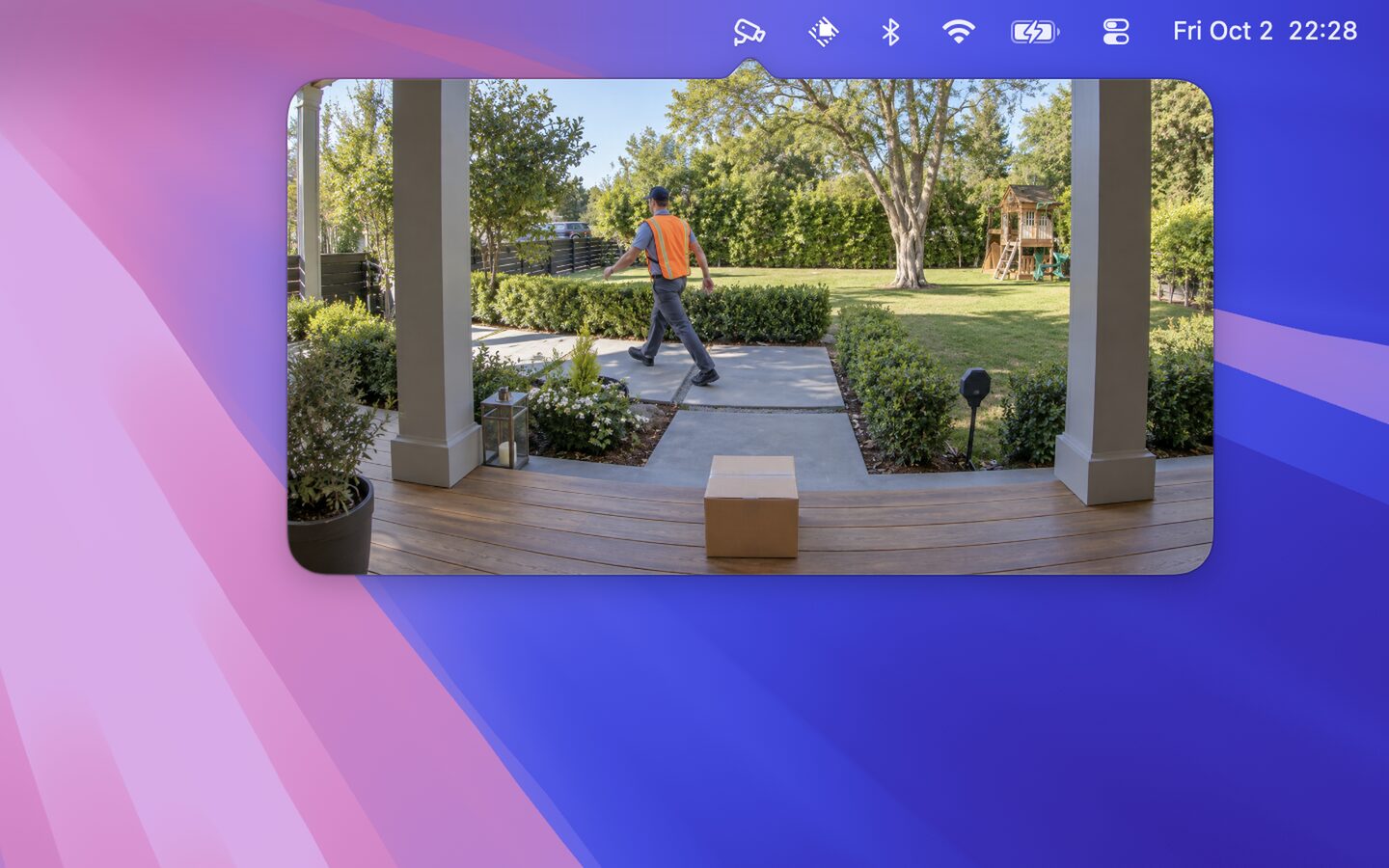
Click the menu bar icon to watch. Move the pointer over the video to reveal the camera switcher and settings. Closing the view stops streaming. You can save several cameras and choose which one to view.
If a stream does not connect
- Confirm that RTSP is enabled on the camera and its video codec is H.264 or H.265.
- Check the address, port, stream path and camera credentials.
- Make sure your Mac can reach the camera, usually on the same network. Permit local network access if macOS asks.
- If another viewer is connected, close it and try again. Some cameras limit simultaneous streams.
Peephole supports Basic and Digest authentication. It does not support audio playback, recording, pan, tilt or zoom controls, or cameras that provide only MJPEG or HTTP video.
Privacy
Peephole connects directly to the cameras you add. It has no account, cloud service, analytics or tracking. Passwords are kept in the macOS Keychain. Read the Peephole Privacy Policy.
Contact
For help or feedback, email me. Include your macOS version, camera model and any error message. Please do not send camera passwords or stream URLs containing credentials.